 Opening Film
How to choose photos for a pre-ceremony film: how many, and which ones
How many photos a pre-ceremony film needs, what works for each scene, and how to copy old album prints cleanly with a phone.
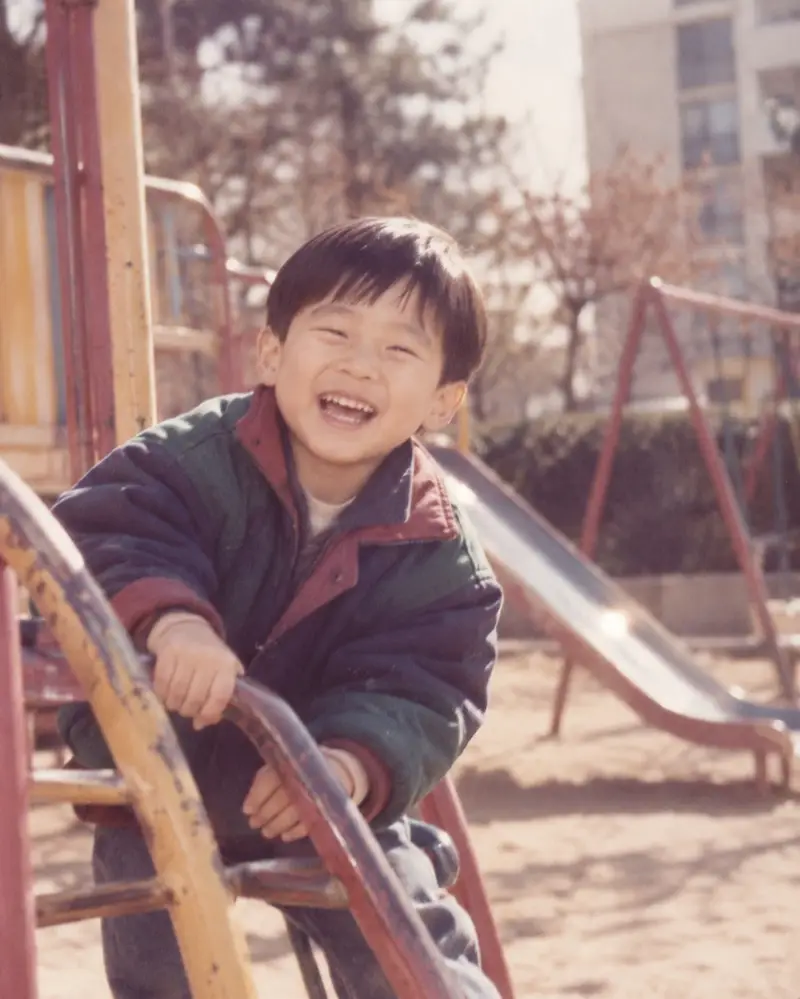
Photos set the mood of a pre-ceremony film. Here is how many to prepare and which ones look good on the big screen.
How many photos?
For a film of about three minutes, 30–50 photos is about right. By scene:
| Scene | Suggested |
|---|---|
| Groom's childhood | 5–10 |
| Bride's childhood | 5–10 |
| Dating | 8–12 |
| Wedding shoot | 8–12 |
| Ending | 1–3 |
With too many photos each one flashes by, so start with the ones you most want to show in each scene.
What works for each scene?
- Childhood: baby photos, first birthday, school entrance and graduation, in order, so age shows. One or two with family always please the parents.
- Dating: around when you met, trips, anniversaries; pick ones where faces are clear.
- Wedding shoot: mix full-length shots with close-ups so it doesn't feel repetitive.
- Ending: the two of you facing the camera, or holding hands.
What looks good on the screen
- Landscape first: venue screens are 16:9. Portrait photos work, but for the same moment a landscape photo fills the screen better.
- Clear faces: guests watch from a distance; close shots of the couple beat group photos.
- Not too dark: under venue lighting, dark photos look darker still.
Copying old album prints
A phone is enough; no scanner needed.
- Shoot somewhere bright without shadows, such as by a window.
- Hold the phone parallel to the print and fill the frame with the photo.
- Take prints out of plastic sleeves to avoid glare.
- Turn the flash off and hold the phone with both hands.
Opening Film can gently animate some of your chosen childhood photos with AI. Large, front-facing faces move most naturally.
Other people in the photo
If family or friends appear in a photo, ask them before including it; many people will watch the film together at the venue.
Once the photos are ready, music is next: Choosing music for your film.