 Opening Film
Three ways to share your pre-ceremony film before the wedding: family preview, Instagram story, D-day
Show your parents the film before the big day, and make a vertical clip for Instagram stories and a D-day countdown image.
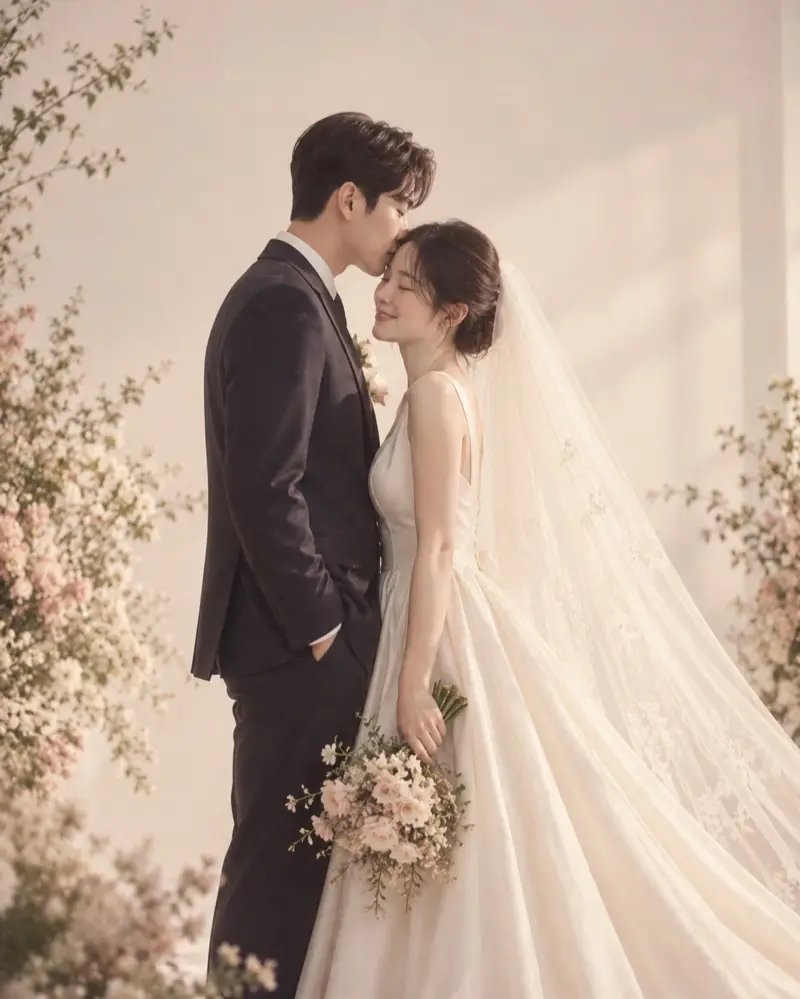
A pre-ceremony film plays once on the wedding day, but making it can be part of the fun. Here are three ways to share it beforehand.
1. Send your parents a preview
Many of the childhood photos come from your parents' albums, so it's worth showing them before the wedding.
- They can check the order and the years
- They may dig out a photo you didn't know about
- And you get to share the moment before the big day
In Opening Film, create a link under "Send a preview to family" on the preview screen and send it on KakaoTalk. Recipients can watch without signing in, the preview is watermarked, and you can turn the link off whenever you're done.
2. A 15-second vertical clip for Instagram stories
The film itself is landscape, made for the venue screen, so it looks small on a phone. To announce the wedding on social media, a vertical (9:16) highlight clip works much better.
Opening Film's "15-second vertical reel" rearranges the highlights of your film vertically, ready for Instagram stories, reels or a mobile invitation. It is made right in your phone or computer browser, so keep the page open until it's done.
3. D-day image
A countdown image like "D-30 to our wedding" is great for group chats or a profile picture. Opening Film's "D-day image" puts the countdown and your wedding date and venue on a wedding photo and saves it as an image. It counts from today, so make a new one when the date changes.
When to use which
| When | Suggestion |
|---|---|
| 3–4 weeks before | Send the preview link to your parents to check the photos |
| 2 weeks before | Announce the wedding with the 15-second vertical clip |
| 1 week before to the day | Count down with the D-day image |
All three work before you pay, at no extra cost. New to pre-ceremony films? Start with What is a pre-ceremony wedding film?